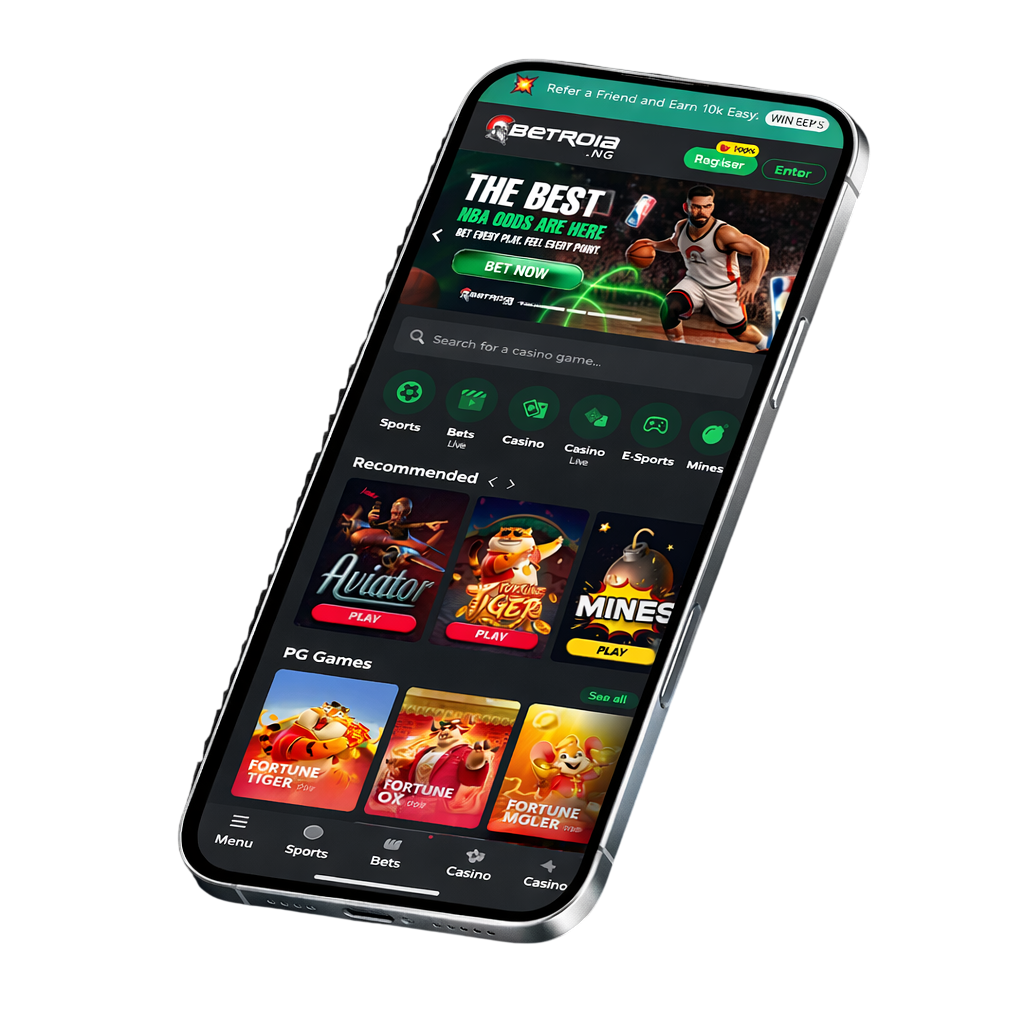
To make accessing our platform even easier for iPhone users, you can now add a shortcut directly to your home screen. 🧑💻 Just follow these instructions:
All set! Now you’ll have a shortcut to access our platform quickly and easily, right from your home screen.
Important: Make sure to use the browser Safari to complete this process, as other browsers may not be compatible.